 SCRYWOW
ScryWoW › Add-on features › Quest value (Top x%)
ScryWoW add-on · Questing & leveling
Quest value: what "Top 8%" means
Each quest gets a tag that compares the XP it gives for the time it takes with other quests of about the same level. Here's exactly how that's worked out, and what it doesn't tell you.
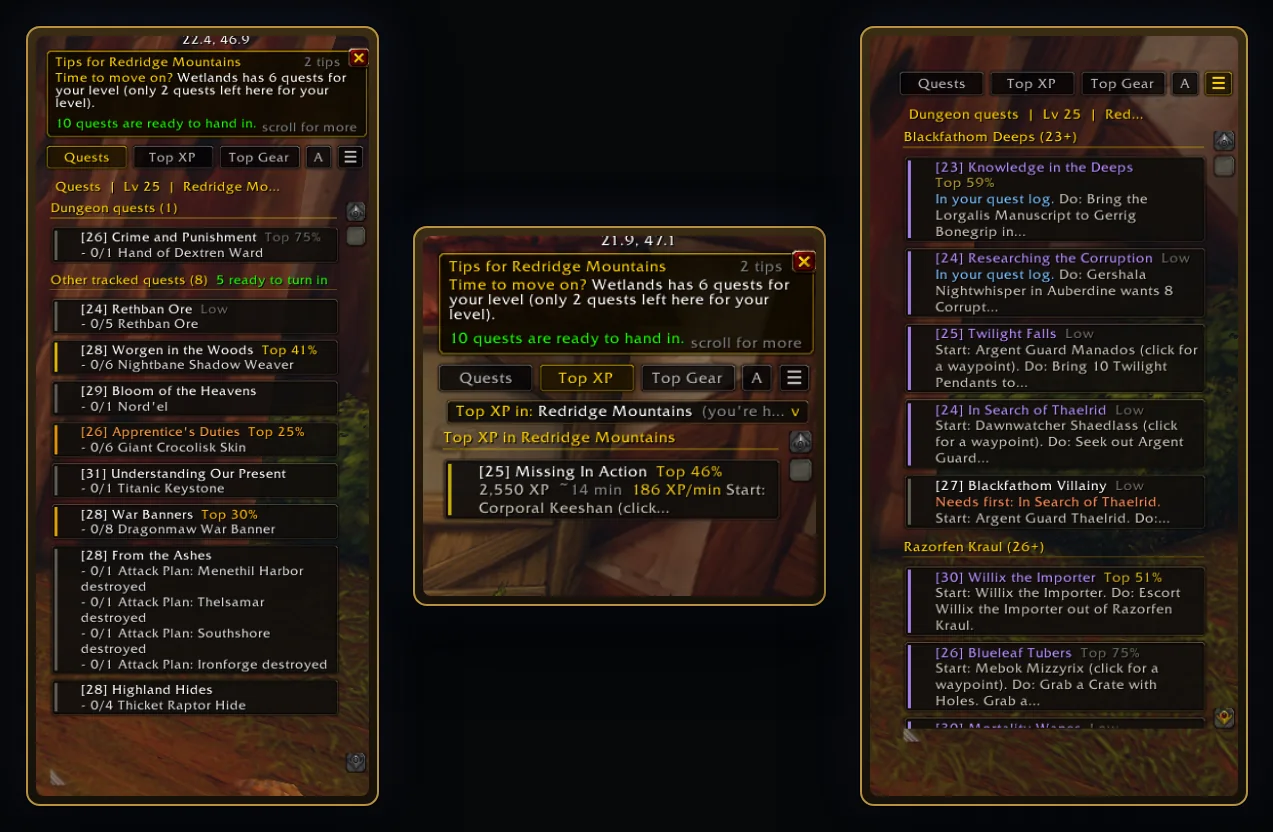
What it does
Next to each quest in your log and tracker you'll see a tag like Top 8%. It means this quest gives more XP for the time it takes than 92% of the quests within one level of it. The best ones show in orange, the top quarter in gold, and the bottom quarter just says Low. Quests too far below your level are flagged too.
Hover a quest for the details: its XP, the estimated minutes and how it compares, plus warnings for elite, dungeon and escort quests.
It doesn't say a quest is bad. Low only means slow for the XP it gives. Plenty of great stories are Low. Do them anyway if you enjoy them; the tag is just there so the quick wins don't get missed.
How the minutes are estimated
Nobody times every quest, so ScryWoW estimates it from the quest's own data:
- A base of about 1.5 minutes to accept and hand it in.
- About 0.35 minutes per kill, 0.6 per item you need to loot and 1.2 per object you need to click.
- Travel between the quest giver, the objectives and the turn-in, from their map positions.
- Extra time for quests started by an item, +10 minutes for escorts, ×1.4 for elite quests and at least 20 minutes for dungeon quests.
Then it's simple: XP divided by those minutes, ranked against every quest within one level. Top 10% means more XP per minute than 90% of those quests.
It's an estimate, not a stopwatch. The minutes come from the quest data, not from timing real players. A quest with a long walk or an unlucky drop rate can take longer than its tag suggests, and a quest that's right on your way can be better than its tag.
How to use it
- Open your quest log: the tags sit next to each title.
- Hover a quest for the XP, minutes and comparison.
- On the world map, quest markers get a coloured halo by value, so you can plan a loop through a zone at a glance.
- Want just the best? The Top XP button under the quest log tracks your five best quests.
Good to know
- Don't want numbers at all? Pick the Scenic leveling style for your character on the website: the tags, the Top XP pop-ups and the map colours go away.
- The tag sits next to the quest title without replacing it, so other quest add-ons keep working.
- Quests you planned to skip on the website show Skip in red; must-do chains you starred get a gold *.
Questions
Is "Top 8%" measured from real players?
No. The minutes are estimated from each quest's data: kills, items, objects, travel distance, plus extra for escorts, elites and dungeons. It's a good guide to which quests are quick for their XP, not a measurement.
Why is a quest I like marked Low?
Low only means it gives less XP for the time than most quests of its level. It says nothing about the story or the fun. If it's worth it to you, do it.
Can I turn the tags off?
Yes. Untick "Value badges in the quest log and tracker" in the add-on's ≡ menu, or pick the Scenic leveling style on the website.
Or download it here. Free, no ads.
Related features
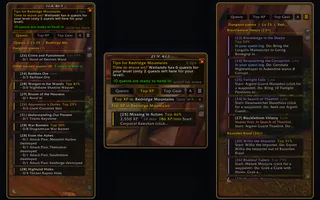
Quest sidebar tabs
Add tabs above the quest tracker for Top XP, Top Gear, dungeon quests and your plan.
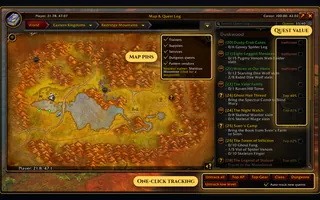
Smarter world map
Pin your trainers, class vendors and rare pattern vendors on the world map.
Readable XP bar
Show level, percent, bars left and rested XP right on the XP bar.
Your plan in the game
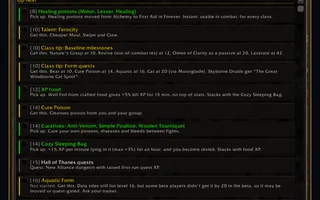
Bring the plan you built on the website into the game, step by step.
Craft your own path
ScryWoW doesn't try to replace your other add-ons. It keeps the game's own look, adds a little where it helps, and every extra has its own off switch. Start with a plan for your character, then take it into the game.